html2wp / Visual Edit
Editing a converted site by clicking it
The theme html2wp produces is standalone: pages, blog, forms, menus, SEO and redirects are its own code and work with no plugin at all. Visual Edit is the optional layer on top, for the person who has to keep the site up to date afterwards. Lite is a free download; a beta licence key carries Pro free for 30 days.
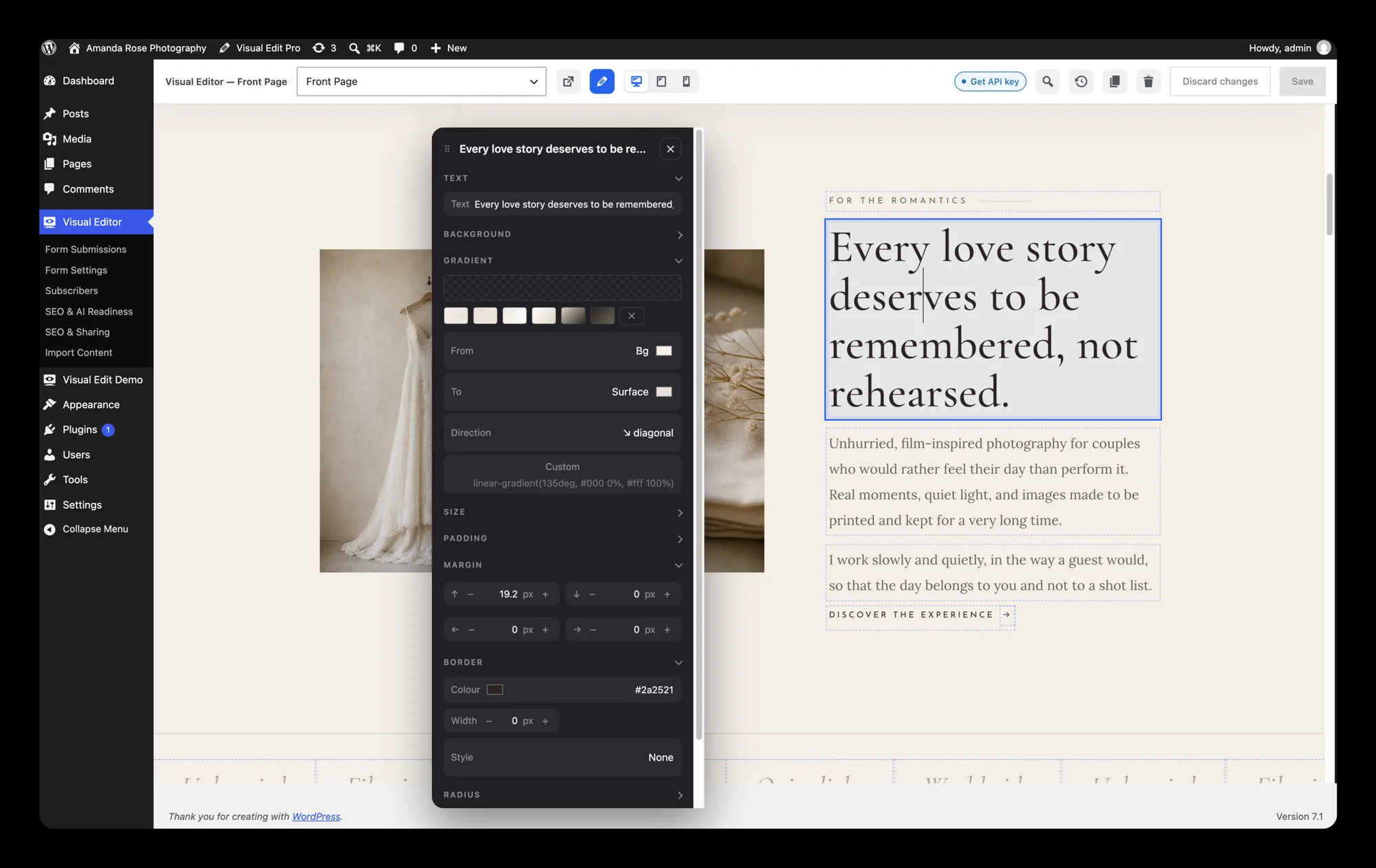
Click a headline, type, save
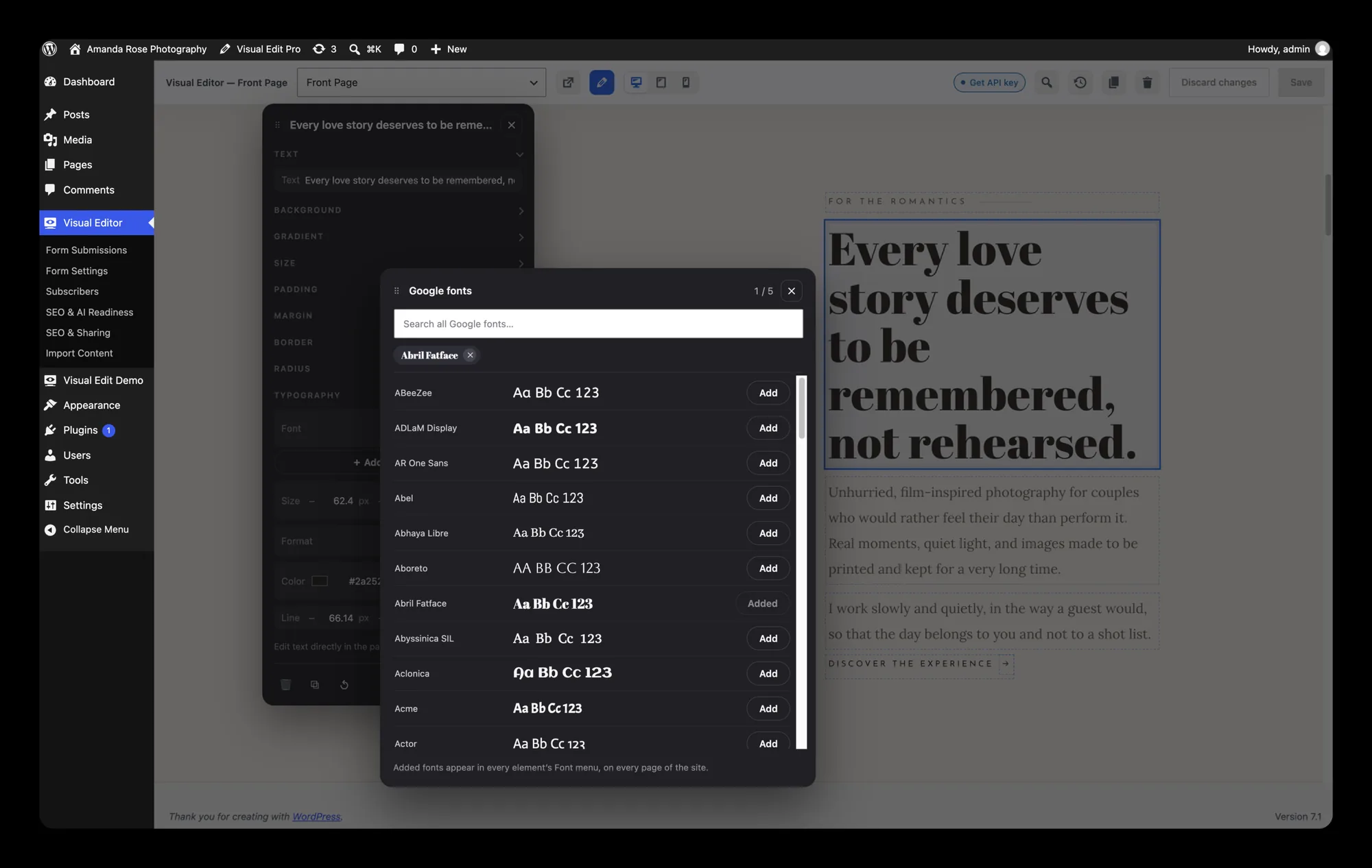
Text, images, links, forms and menus, edited where they stand. The markup stays 1:1 with the design while you work, so nothing drifts between what you designed and what the client edits.

Lite and Pro
Visual Edit Lite is free, needs no licence key, and is the whole click-to-edit experience. Pro adds the parts a studio tends to want, and costs €59 a year with two conversions in it.
| Lite (free) | Pro | |
|---|---|---|
| Click-to-edit content editing | yes | yes |
| Forms, menus, SEO fields | yes | yes |
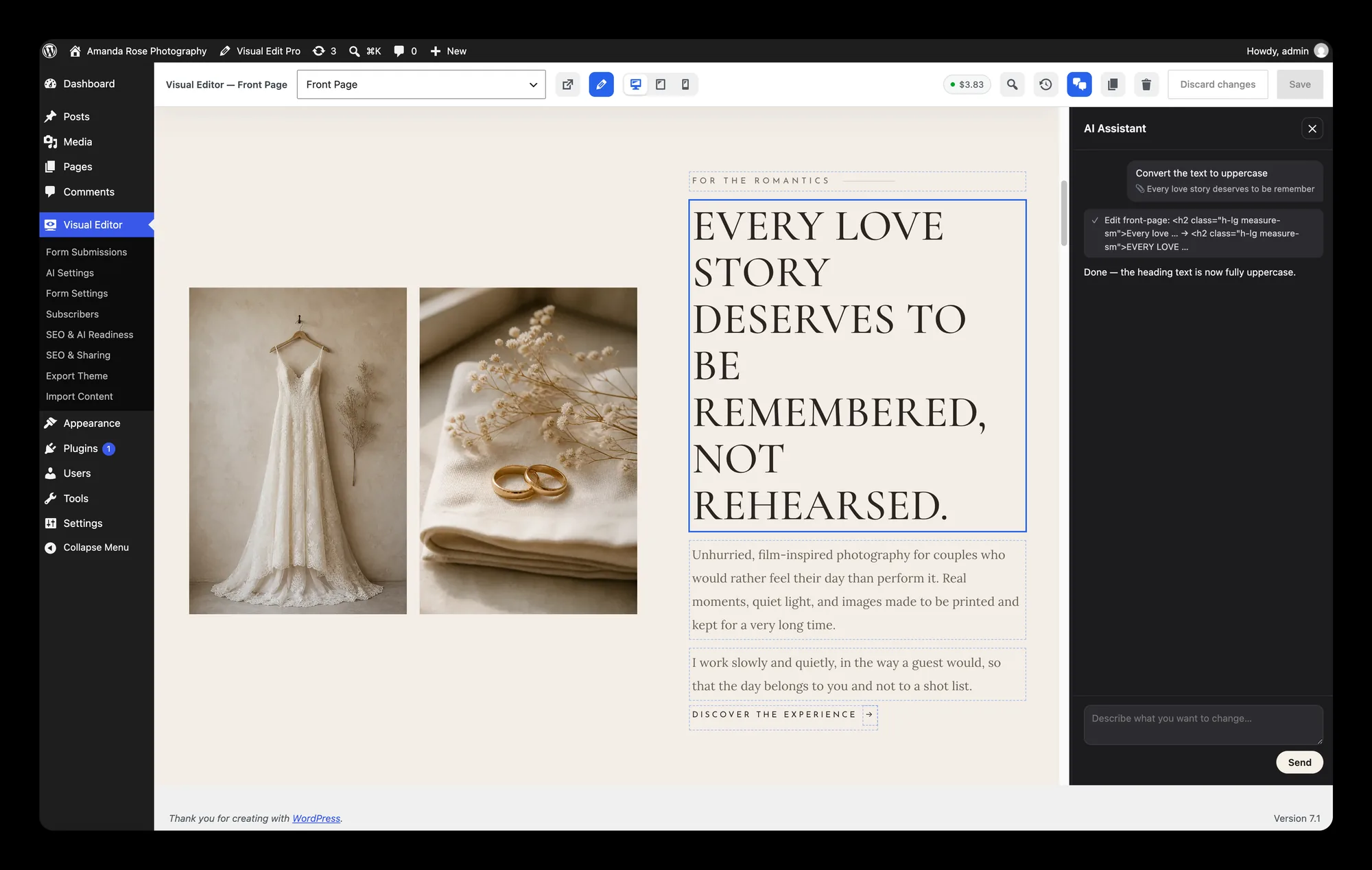
| AI chat editing | no | yes, with your own API key |
| Theme export | no | yes |
| Turnstile spam protection | no | yes |
| Edit history | 10 steps | 300 steps |
How you get each one
Lite is a free download. It is published on GitHub with no key and no account: take the zip from the releases page and install it like any other WordPress plugin.
Pro comes with the plans that carry it, which are Pro, Agency and the Visual Edit Pro licence itself; Free and Theme Unlock ship Lite. Where it is included it arrives as visual-edit.zip in the workspace beside the theme, and activating its Pro features on a site needs a Visual Edit Pro licence of its own. While the beta runs, a licence key carries that Pro licence free for 30 days. A conversion without either ships the theme alone, and that theme is fully usable: the editor is an extra, not a missing piece.
A Visual Edit Pro key converts, too. It is not only an editor licence: the converter takes it as a licence key, so if you already hold one you can run conversions on it without asking for anything else.
An authoring layer, not a dependency
Everything the site does without the plugin, it keeps doing without the plugin.
Deactivate it and pages stay whole
The theme's pages, blog, forms, menus, SEO and redirects are the theme's own code. Remove the plugin and the design is still there.
The markup stays 1:1
Editing does not re-structure the page underneath you. The thing you click is the thing that changes.
The AI key is yours
Pro's chat editing runs on your own API key, paid to your provider. Everything else in the editor works without one.
History, so nobody has to be careful
Every save is a point you can go back to: 10 steps in Lite, 300 in Pro.
Native menus, posts and forms
Menus are WordPress menus and the blog is real posts, in the theme itself, whether or not the editor is installed.
The delivered site calls nothing
No server of ours is contacted at runtime, ever. That claim is about the site you hand over, and it is exact.